Cleobetra mobile access guide
Cleobetra App and Mobile Casino: Browser Play on iPhone and Android
 Available in GB
Cleobetra works as a mobile-browser casino and sportsbook, and its current official games page says there is no need to download an app to play. It also says a shortcut can be created for quicker access. That makes the useful answer to the “Cleobetra app” question browser-first: open the site in Safari, Chrome or another current mobile browser and use the web interface. A separate official native iOS or Android gambling app is not confirmed here, so a same-name store listing should not automatically be treated as an official Cleobetra app. For UK readers, the important mobile tests are whether login, the cashier, the games you want, the sportsbook and support all behave properly on your own device.

Table of Contents
- Cleobetra mobile: what the site currently shows
- Why browser-first matters more than the word app
- How to use Cleobetra on iPhone or Android
- Test the casino lobby on the phone you will actually use
- Check the cashier before relying on mobile for deposits or withdrawals
- Sports betting needs its own mobile check
- Support is worth testing before you need it
- A quick mobile decision checklist
- When the Cleobetra mobile browser is enough for UK users
Cleobetra mobile: what the site currently shows
Mobile browser
Cleobetra’s current site states that the website is mobile-friendly and can be used on a smart device.
App download
Not required for browser play. The official games page specifically tells users they can play without downloading an app.
Home-screen shortcut
Cleobetra currently presents this as an option. This gives app-like one-tap access while still opening the web service.
Native iOS or Android app
A separate official Cleobetra gambling app is not confirmed here, so no App Store or Google Play download link is provided.
Why browser-first matters more than the word app
Casino searches often use “app” as shorthand for using a service on a phone. That does not necessarily mean a native package from an app store. In Cleobetra’s case, the brand’s current web copy points users towards browser access and says no download is needed. This is a useful distinction because it changes what you should verify.
With a browser service, the current version is delivered when you open the site rather than installed as a separate package that needs an app-store update. The trade-off is that the experience still depends on the browser, cookies, network connection and the way the site handles a narrow screen. A shortcut can make access feel more app-like, but it does not turn the website into a verified native app.
Do not install software merely because it uses the Cleobetra name or icon. A same-name store listing is not enough to establish that the casino operator published it. Unless Cleobetra itself links to a store page or the developer identity can be matched reliably, browser access is the safer factual route to describe.
How to use Cleobetra on iPhone or Android
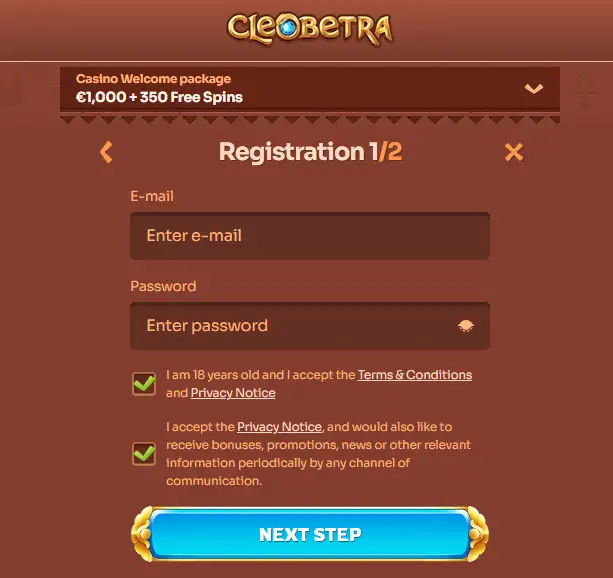
Start with the normal website in a current browser. The official Cleobetra games page is available in English and explicitly describes mobile-browser play, which removes the need to rely on a translated interface for the core navigation. Once the site loads, check that the top-level controls you expect are visible before signing in.
- Open Cleobetra in Safari on iPhone or a current browser such as Chrome on Android.
- Confirm that you are on the intended Cleobetra domain before entering account credentials.
- Log in through the mobile web interface rather than following an unverified download prompt from a third-party page.
- Open the exact area you plan to use, such as the casino, cashier or sportsbook, and check that controls remain readable without horizontal scrolling.
- If the site offers the shortcut route described in its official material, use that only after confirming the page address.
This approach is deliberately simple. It avoids pretending that a native app is necessary when Cleobetra’s own guidance says the browser is sufficient.
Test the casino lobby on the phone you will actually use
Cleobetra confirms mobile access to its casino games, but a category being available does not guarantee that every title feels equally comfortable on every screen. Live games, portrait slots, landscape tables and feature-heavy titles place different demands on display size and connection stability. The useful mobile test is therefore game-level, not just site-level.
Open a few representative titles before treating the phone as your main device. Check whether the game rotates cleanly, whether the rules and balance controls remain readable, and whether browser toolbars obscure important buttons. If a title is difficult to use, switch orientation or try the desktop version rather than assuming the entire mobile site is broken.
The broader category structure and discovery filters are covered in the Cleobetra games page. On mobile, the point is to see whether those categories remain practical to navigate with a thumb and whether search or provider filters save time on a smaller screen.
Check the cashier before relying on mobile for deposits or withdrawals
A polished lobby does not tell you how convenient the cashier will be. Before making mobile your default account device, open the signed-in cashier and check whether method names, limits, fees and confirmation steps are legible. Those values can be account-specific and should be read from the live interface rather than copied from an old review.
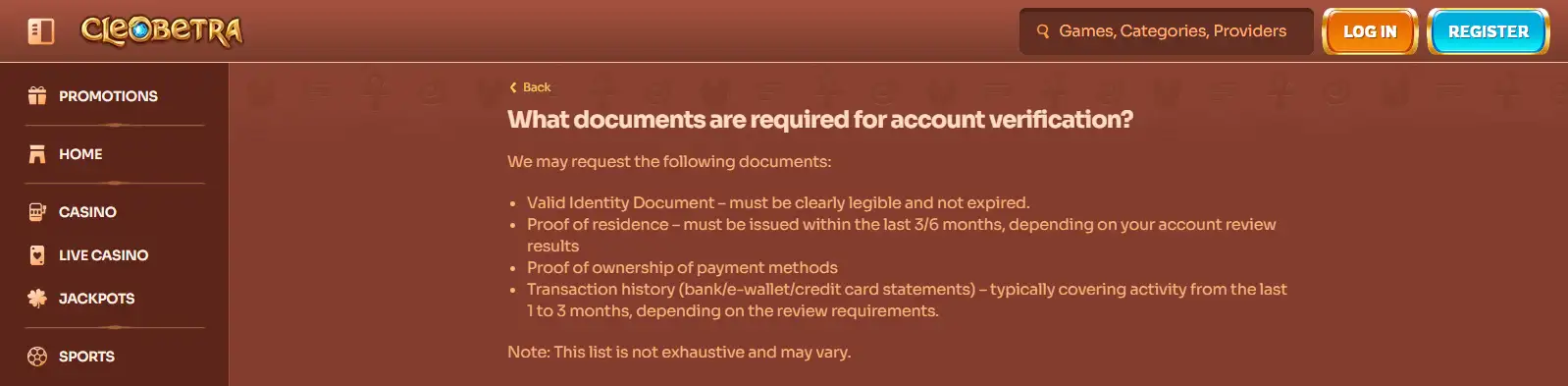
Also check whether any verification request can be completed comfortably from the phone. Camera uploads can be convenient, but a compressed image, glare or a cropped document can create extra back-and-forth. If the account asks for identity or payment evidence, follow the current instructions rather than guessing what will be accepted.
A useful mobile setup is one in which you can see the transaction status and save confirmation details without losing your place. If the cashier is awkward on a small screen, it is reasonable to play or browse on mobile while using a larger device for account administration.
Sports betting needs its own mobile check
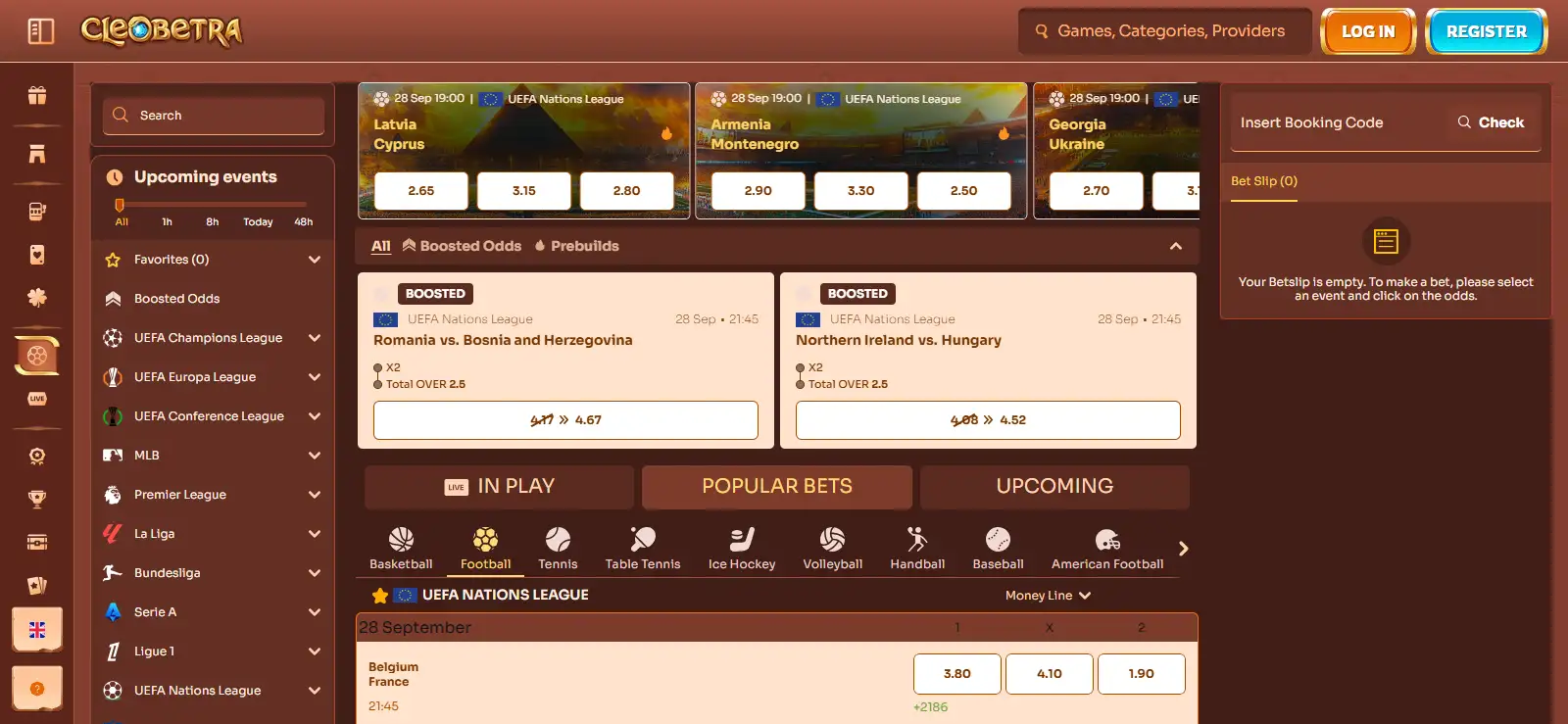
Cleobetra also operates a sportsbook, so a user who searches for a Cleobetra app may be interested in betting rather than casino games. The mobile requirements are different: you need market lists, odds, bet-slip controls and live information to remain understandable on a small screen. A casino lobby can work well while a dense sports market still feels cramped.
Before placing a bet, open a normal market, add a selection to the bet slip and confirm that stake, odds and potential return are clear before submission. For live betting, connection quality matters because markets can move or suspend while the page is open. The separate Cleobetra sportsbook page covers the betting product itself; this page is concerned only with whether the mobile browser is a practical way to reach it.
Support is worth testing before you need it
Mobile users should know how to recover when a page fails, a game disconnects or an account step is unclear. Cleobetra’s current site provides an English interface and help navigation, so the practical test is whether the support route opens cleanly on your device and whether you can preserve a useful record of the conversation.
If a technical problem occurs, capture the exact screen and note what you were doing before refreshing the page. Avoid sending passwords, full card numbers or unnecessary identity data in a normal chat message. A screenshot of the error and a clear description of the device, browser and page is usually more useful than repeatedly reloading without recording what happened.
A quick mobile decision checklist
| Check | Good sign | Reason to switch device |
|---|---|---|
| Login | Fields and password recovery are easy to reach | Controls are clipped or the browser keeps reloading |
| Games | Rules, balance and game controls fit the screen | Important controls are hidden in portrait or landscape |
| Cashier | Methods and current terms are readable before confirmation | Limits, fees or verification prompts are hard to inspect |
| Sportsbook | Odds and bet-slip details are clear before submission | Markets feel too dense to review accurately |
| Support | You can open help and keep a record of the issue | The support window is unstable or blocks the main page |
A browser-first setup also makes it important to use the same care with access that you would use on desktop. Open Cleobetra from the address you normally use rather than from an unfamiliar download page, and check that the signed-in account shows the expected balance, cashier and support options before making an account-critical change. If you create a home-screen shortcut, remember that it is still a shortcut to the website rather than proof that a native app has been installed.
For payments and verification, screen size matters more than branding. Read the amount, currency, method and any account prompt before confirming a transaction, and switch to a larger display if a document request or cashier condition is difficult to inspect on the phone. The mobile site can be convenient for routine access, but clarity is more important than completing a deposit, withdrawal or verification step quickly.
When the Cleobetra mobile browser is enough for UK users
For most mobile tasks, use Cleobetra’s website itself: the brand describes the site as mobile-friendly, says no app download is required and offers a shortcut for faster access. That is enough to answer the practical app question without inventing a native product. Use the browser if login, games, cashier controls, sportsbook pages and support all work cleanly on your device. If any account-critical screen is cramped or unclear, move that task to a larger display. For the wider brand context, including the points that matter before depositing, return to the Cleobetra overview.
Published by the Cleobetra Casino team.